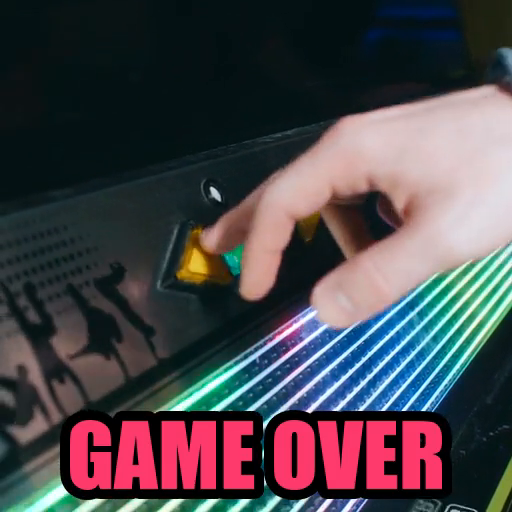
“Game over” sound sticker
Family 🏠tap the sticker to listen
Did you see stickers can have sound now? 👀
👆 Tap the sticker in the chat to hear it, just like in WhatsApp.
Memes & jokes🎬 real video · 4.5 s
What it is
A square 4.5-second real video with the caption “Game over” and a real sound. Whoever taps it in the chat hears the sound.
When to send it
To land a bad joke, an awkward silence or a dramatic moment in the group.
More Memes & jokes stickers
Bad joke
🎬 real video · 4.5 s
So sad
🎬 video · 4.5 s
Awkward silence
🎬 real video · 4.5 s
I’m dead
🔊 Bad joke (ba-dum-tss) · 3.2 s
Pew pew
🔊 Laser · 3.2 s
Boing
🎬 real video · 4.5 s
Gossip alert!
🎬 video · 4.5 s
Dramatic moment
🔊 Drum roll · 3 sHow to add it to your WhatsApp
- Download the sticker you like, or tap “Share” and save it to your gallery.
- In WhatsApp, open a chat, tap the sticker icon, then “Create sticker”.
- Pick the downloaded video.
- Tap the sound button (the waves) and keep the original audio.
- Send it: the sticker plays when someone taps it.
Specs
| Length | 4.5 s |
|---|---|
| Format | MP4 512 × 512 (H.264 + AAC) |
| Files | MP4 + MP3 + PNG |
| Picture | anastasia-shuraeva on Pexels |
| Sound | “8-bit Game Over Sound/Tune” by EVRetro on Freesound (CC0) |
| Use in WhatsApp | Open the MP4 in Create sticker and choose Add sound to keep the audio. If the option is missing, share the MP4 as a video. |
| Use | Free to send and share |